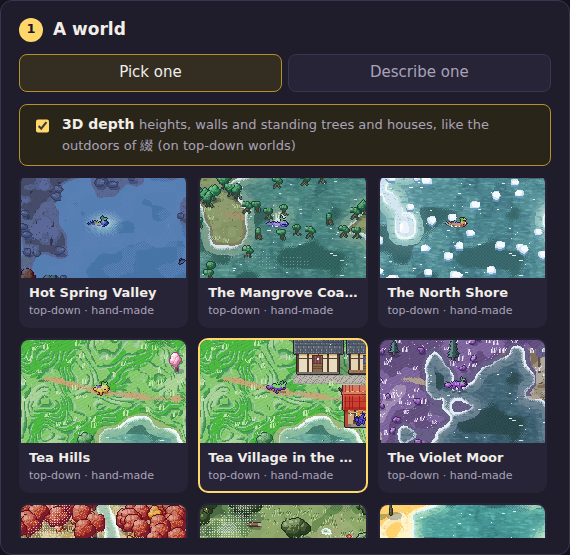
1 Pick a world
Every world is drawn by code, from a small description of its lands, plants, animals, people and villages. Tap one to choose it. Leave 3D depth on to see the world with heights, walls and standing houses and trees; turn it off for the flat, top-down pixel style.
1b Or describe your own
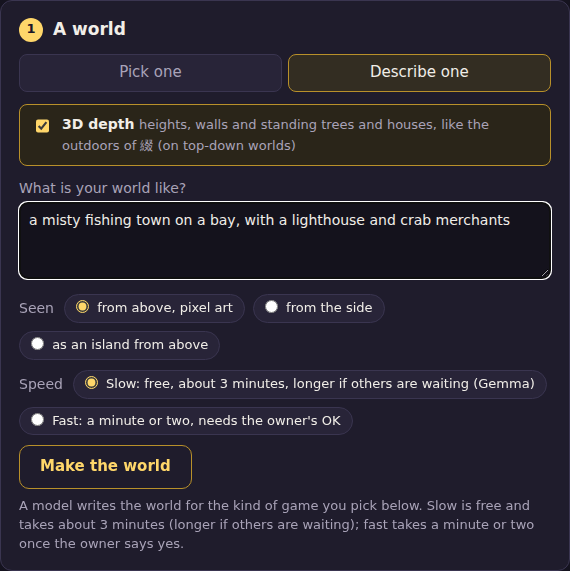
Choose Describe one, write a line about your world and press Make the world. Two ways to have it made:
- Slow: free. An open model (Gemma) on our own computer makes it, in about 3 minutes, longer if others are waiting. You get a message on Discord when it is ready.
- Fast: a minute or two, with a larger cloud model. The owner is asked first and says yes or no.
2 Pick a kind of game
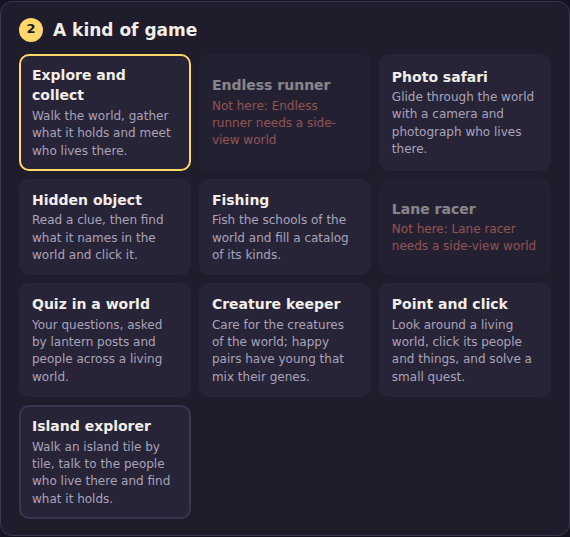
Ten kinds: explore and collect, photo safari, hidden object, fishing, quiz, creature keeper, point and click, island explorer, and (on side-view worlds) the runner and the racer. A kind that does not fit the world you picked is greyed out and says why.
3 Tune it
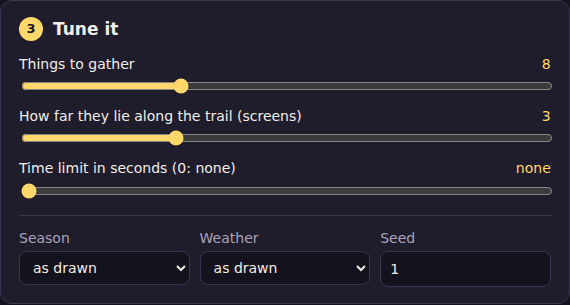
A few sliders for the kind of game you picked (how many things to find, how far the world goes, a time limit), plus the season, the weather and a seed (a different seed makes a different arrangement of the same world).
4 Your data (optional)
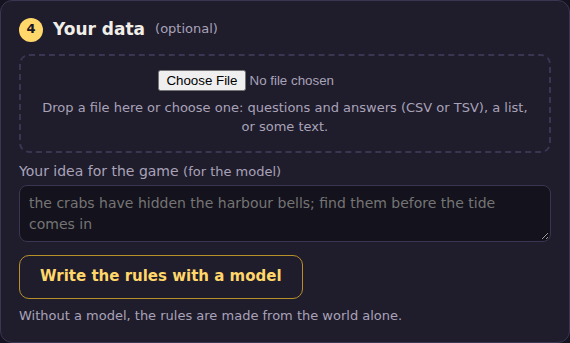
Drop in a file of questions and answers (CSV or TSV, a header row naming them) and the quiz asks your questions. You can also write an idea for the game; with a model, it shapes the game's goal and its lines.
5 Play
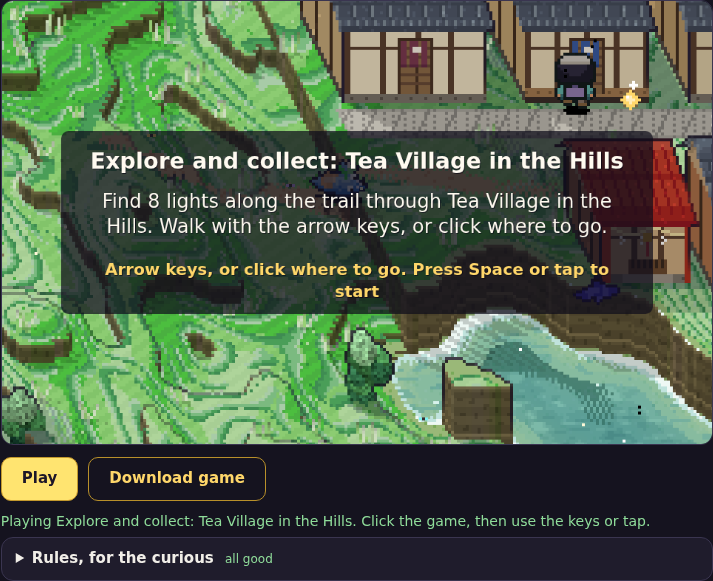
Press Play. Click the game, then press Space or tap to start.
6 Download
Press Download game. You get one HTML file: open it in any browser, even offline, and send it to anyone. It has the whole game in it, the world and its drawing included.

Controls
| Walk | Arrow keys or W A S D; or click or tap where to go |
| Start, jump, answer | Space, or tap |
| Talk, act | E, Enter or Z next to someone |
| Photo, find, feed | Click or tap on it (safari, hidden object, keeper, point and click) |
| On a phone | Tap where to go; in a side-view game, hold the left or right third of the screen to walk |
Tips
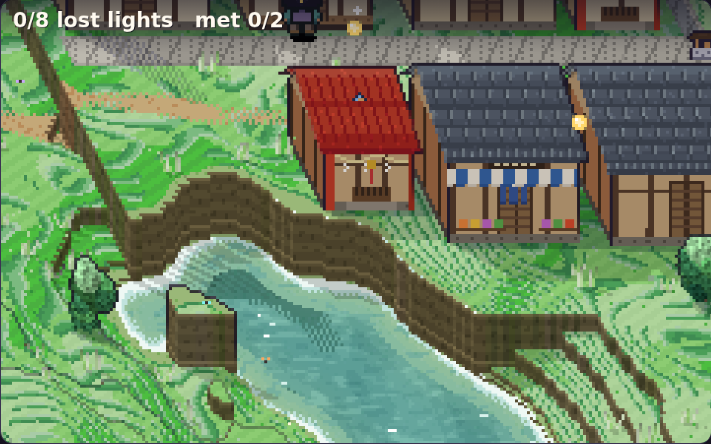
- Each game says what to do on its first screen; the goal stays at the top left while you play.
- Inside the Discord app, Play works but Download may not: open this site in a browser to download.
- For the curious: Rules, for the curious under the game shows everything about it as text you can edit.
- Something odd? Tell us in the playtest channel, with the world and the kind of game.